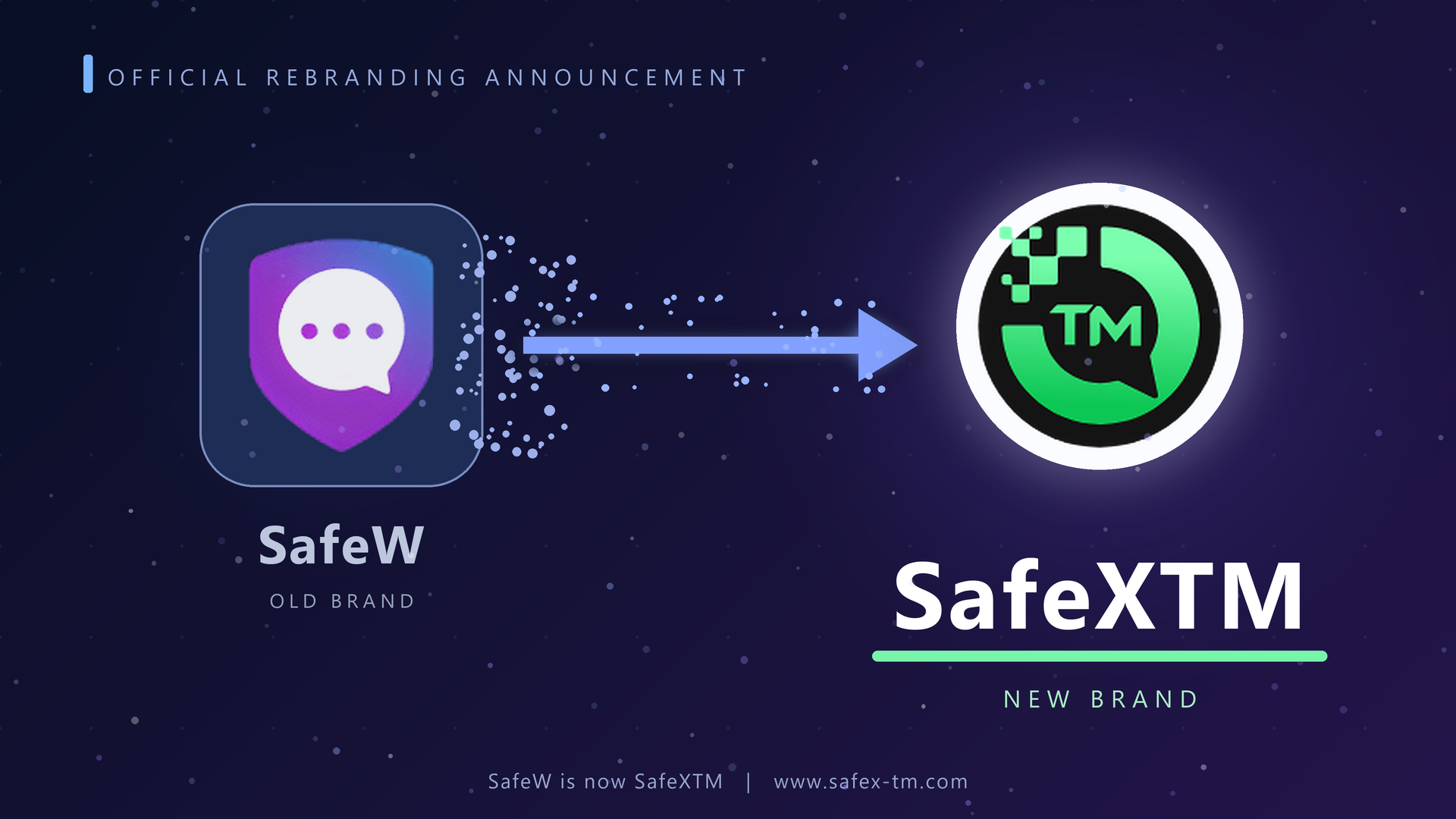
If you have opened SafeW recently, you may have noticed an important change: SafeW has officially rebranded to SafeXTM. On November 18, 2026, a brand name change announcement was published: due to adjustments in relevant policies and compliance requirements, and to better adapt to policy environments in different regions and ensure stable long-term operation and sustainable development, the brand name was officially changed from SafeW to SafeXTM. The product name, app icon, and related brand assets will also be updated gradually.
Hearing the word rebrand, many users worry: Is my account still there? Will my chat history be lost? Do I need to register again? This article breaks down the key information in the official announcement: what changed, what stayed the same, and where to download the new client, as well as how to avoid fake channels during the transition. By the end, you will be able to complete this brand switch with confidence.
📑 Contents
I. What the Official Announcement Says
On November 18, 2026, the SafeXTM official team published a brand name change announcement. Setting aside the formal wording, the core information comes down to three points:
- Brand name change: SafeW is officially renamed SafeXTM. The product name, app icon, and related brand assets will be updated gradually.
- User data and services unaffected: This rebrand does not affect existing accounts, chat history, contacts, or related data. All original core features and services remain, and users can continue as normal.
- Official channels continue serving users: SafeXTM provides multiple official download channels covering iPhone, iPad, and Android devices. The official website is safex-tm.com.
II. What This Rebrand Changes
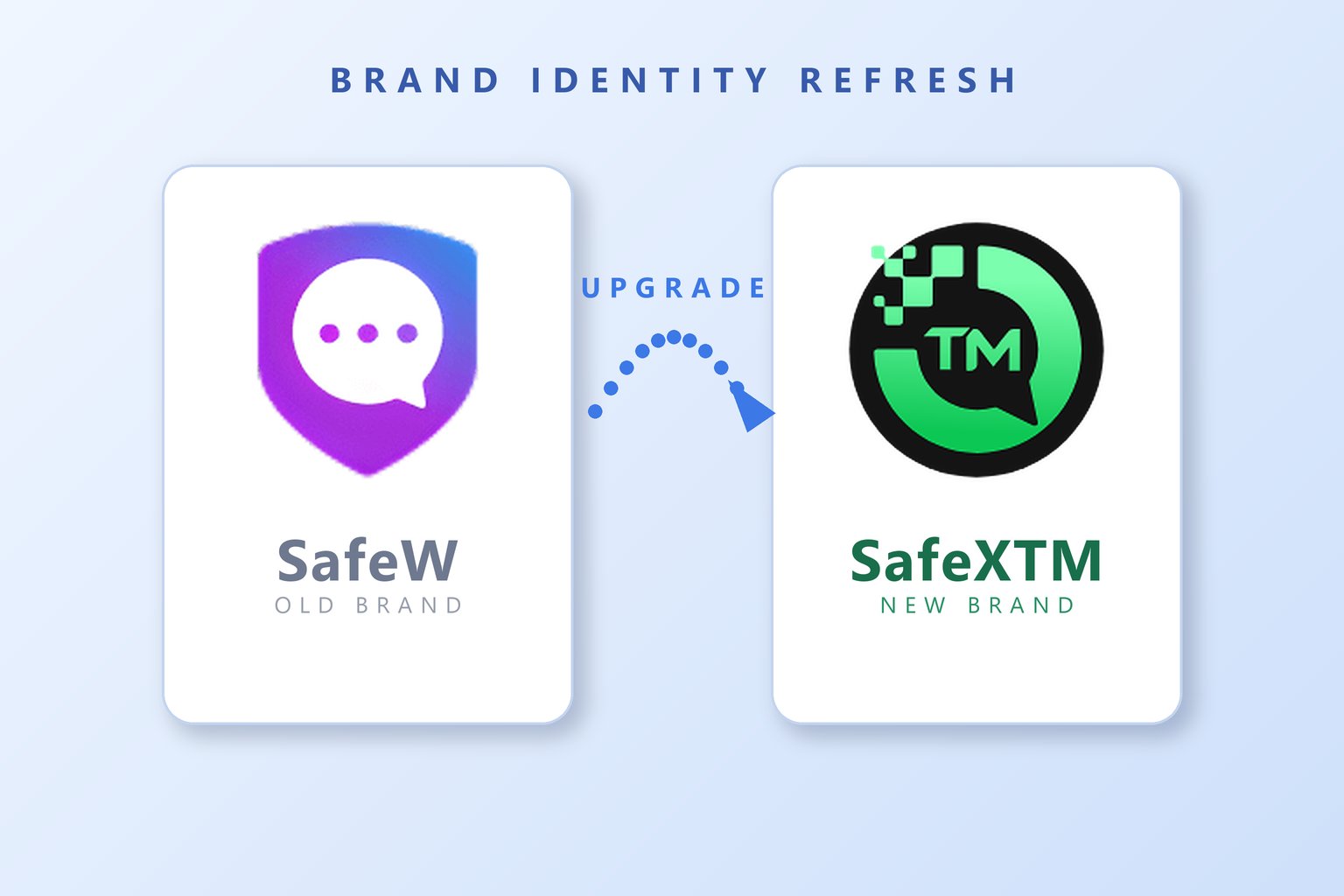
After the rebrand, the changes are mainly in what you can see:
- Product name: The name in app stores and the in-app interface text will gradually change from SafeW to SafeXTM.
- App icon: The home screen icon will switch to the new logo as versions are updated.
- Brand identity: The brand image on the website, official announcements, and public materials will be unified under SafeXTM.
- Official website: Official information and download entries use the safex-tm.com domain.
Pay close attention to the phrase "updated gradually" in the announcement: a brand switch is not completed instantly across all platforms on a single day, and the rollout pace differs by platform and version. During the transition, you may see a situation where the app on your phone is still called SafeW while the website and announcements already say SafeXTM. This is a normal part of the transition; it does not mean you downloaded a fake app, nor that the service has a problem.
III. What Stays Unaffected
More than what changed, most users care about what did not change. According to the official announcement, the following all stay the same after the rebrand:
- Accounts and login: No need to register again; existing accounts continue to work.
- Chat history: Historical messages are fully preserved and will not be cleared or migrated because of the rebrand.
- Contacts and groups: Friend relationships, group members, and related data are unaffected.
- Core features: Secure encrypted messaging, private deployment, and all other existing capabilities remain available.
SafeW itself is an instant messaging app focused on security and encryption. It supports deploying the service on servers owned by users and emphasizes encryption and privacy protection during message transmission. None of these product-level mechanisms change after the rebrand. A rebrand affects how the brand is presented, not the communication mechanism itself.
IV. Why the Rebrand Happened
The official wording for the reason is: due to adjustments in relevant policies and compliance requirements, to better adapt to policy environments in different regions, and to ensure stable long-term operation and sustainable development.
For an instant messaging product, compliance is not a slogan but the foundation for delivering a stable service over the long term. A messaging tool carries the critical link of daily communication and even business collaboration. If the service is interrupted, the impact falls not on a single feature but on the continuity of the entire communication network. Continuing to operate under a new brand name is essentially about providing a sustainable service within a clearer policy framework.
The official announcement also sets out the direction ahead: continuously improve product performance, communication security, and user experience, and provide global users with a safer, more stable, and more reliable instant messaging service. Overall, this rebrand looks like a brand adjustment aimed at long-term operation. The name has changed, while the product and services carry on.
V. Official Download Channels and Anti-Impersonation Tips
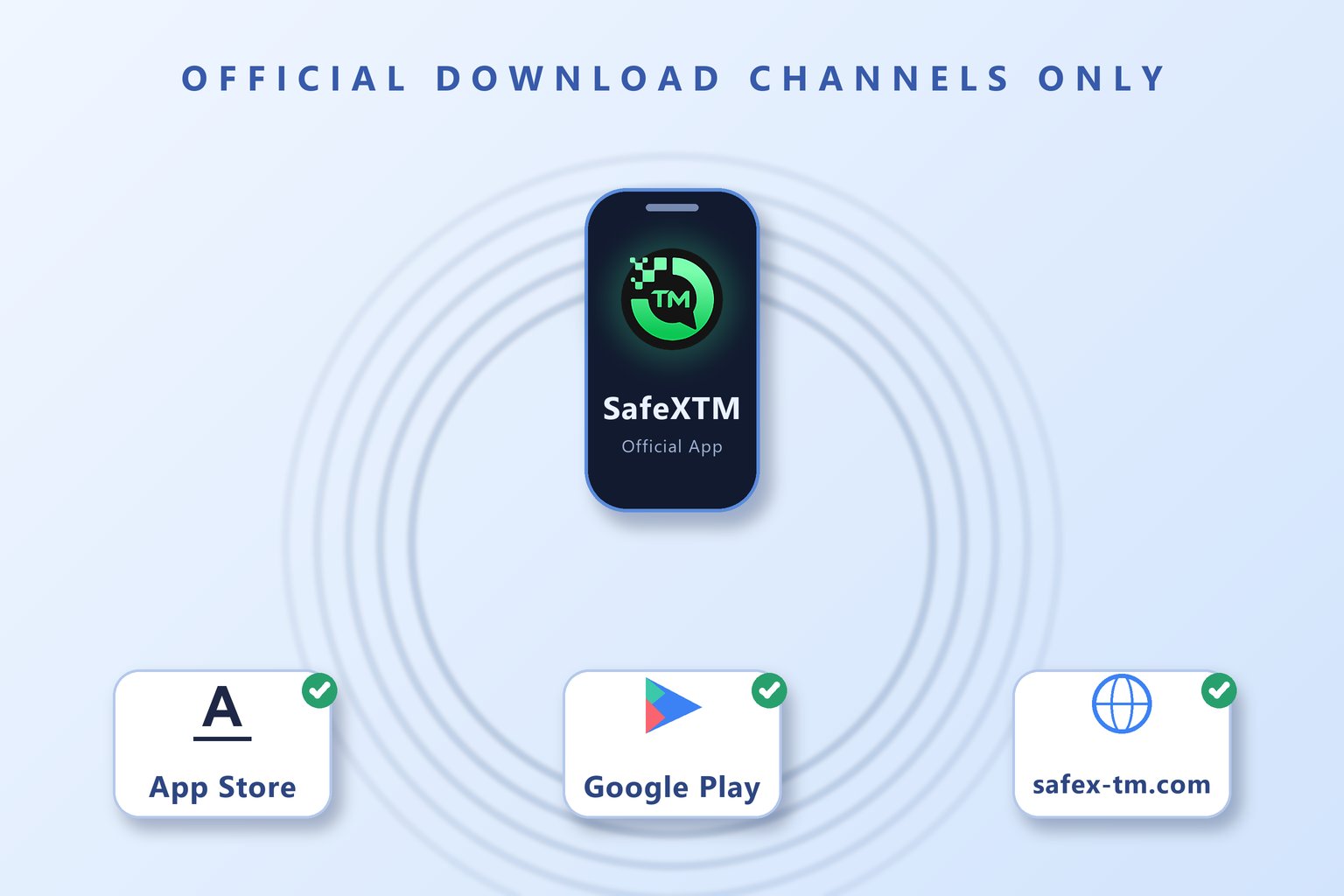
A brand transition is exactly when fake apps are most likely to slip in. Search keywords change, icons change, and impersonating apps can take advantage of the confusion. The official announcement clearly lists three download channels:
🍎 Apple App Store
Provides iPhone and iPad clients. Search for SafeXTM in the App Store to get and update the app.
🤖 Google Play
Provides the Android client. Install and update through Google Play; store review is a basic safeguard.
🌐 Official Website
Visit safex-tm.com and choose the official download entry for your device type.
- Download and update only from the official channels above. The announcement specifically reminds users to download and update the app through official channels and avoid installers from unknown sources, to protect account and data security.
- Be wary of links that send an installer directly. APK installers that bypass app store review cannot be verified for authenticity or integrity.
- Use the official domain as the reference. The official website is safex-tm.com. Be cautious with sites in search results whose spelling or suffix looks similar.
VI. Practical Advice for Users
The rebrand is almost invisible to existing users, but a few small steps can make the transition smoother:
- Update through official channels. Keep the app at the latest version; the name and icon switch to SafeXTM automatically with the update, with no manual action needed.
- Do not uninstall and reinstall, and do not register again. The rebrand does not affect accounts or data, so a normal upgrade is enough; uninstalling and reinstalling can create avoidable risk.
- Watch official announcement channels. In-app notices and website notifications are the authoritative sources for rebrand progress and version plans. When in doubt, check the announcement first.
- During the transition, look for two markers. Name and icon updates may move at different paces; to judge authenticity, use the official domain safex-tm.com plus the developer information in the official store, rather than the icon or name alone.
VII. Frequently Asked Questions (FAQ)
Q: After SafeW rebrands to SafeXTM, are my account and chat history still there?
Yes. The official announcement clearly states that this rebrand does not affect existing accounts, chat history, contacts, or related data. All original core features and services remain, and users can continue as normal.
Q: Do I need to uninstall SafeW and reinstall SafeXTM?
No. The rebrand is completed gradually through normal version updates. Simply upgrade the app to the latest version through an official channel; there is no need to uninstall and reinstall, and no need to register again.
Q: What are the official download channels for SafeXTM?
There are three official channels: Apple App Store provides iPhone and iPad clients; Google Play provides the Android client; the official website safex-tm.com provides download entries for clients on all platforms. Please avoid installers from unknown sources.
Q: Why did SafeW rebrand to SafeXTM?
The official announcement explains that, due to adjustments in relevant policies and compliance requirements, and to better adapt to policy environments in different regions and ensure stable long-term operation and sustainable development, the brand name was changed. The rebrand mainly adjusts the brand name and related logos; the product philosophy and services remain the same.
Q: Why have the app icon and name on my phone not been updated yet?
The announcement says brand assets will be updated gradually, and the rollout pace differs across platforms and versions. During the transition, seeing old and new names or icons side by side is normal. Keep the app at the latest version and wait patiently for the update.
Q: Will SafeXTM still offer the original features after the rebrand?
Yes. All original core features and services remain. The official team also stated that it will keep improving product performance, communication security, and user experience. The rebrand changes the brand name and logo, not the services provided.
📌 This article is based on the official SafeXTM brand name change announcement (November 18, 2026) and public information on the official website. The rollout pace for app names and icons may differ by platform; check official announcements and in-app notices for specific arrangements. For more questions, see the FAQ, or visit the SafeXTM home page.